
● FRAME 01/24
Limitation expands creativity.
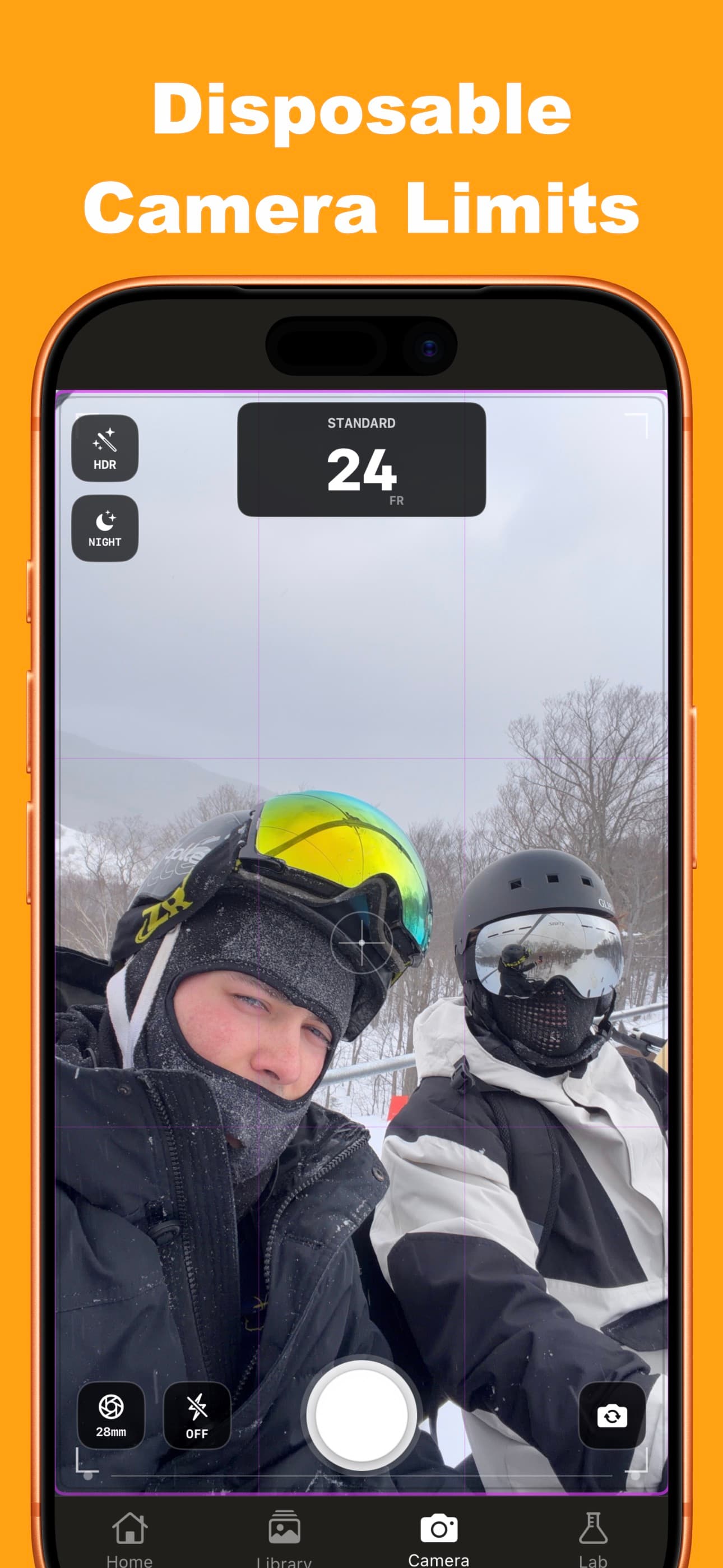
A virtual film camera with limited rolls, a real wait while they develop, and deliberate curation once they finally come back.
Frame 02 — 06 total
Make Photos Fun Again
Clean up your library faster, keep what matters, and enjoy your camera roll again.
Swipe to Sort
Review your full library like a stack of prints and quickly sort what stays.
Library Cleanup
Turn 10,000 random photos into a clean system of deleted, archived, normal, and favorites.
Save Storage Space
Track reclaimed storage as you clean up duplicates and remove clutter.
1 Hour Photos
Send a roll to develop and wait about an hour. Push or pull development for more or less contrast.
Darkroom Editing
Adjust light leaks, grain, vignettes, lens aberration, and tone. Non-destructive so you can try different looks.
Import and Sync
Import from Photos, Files, SD cards, and USB drives, then sync curated albums back to Photos.
Frame 03 — In the darkroom
Every roll gets developed, then curated.
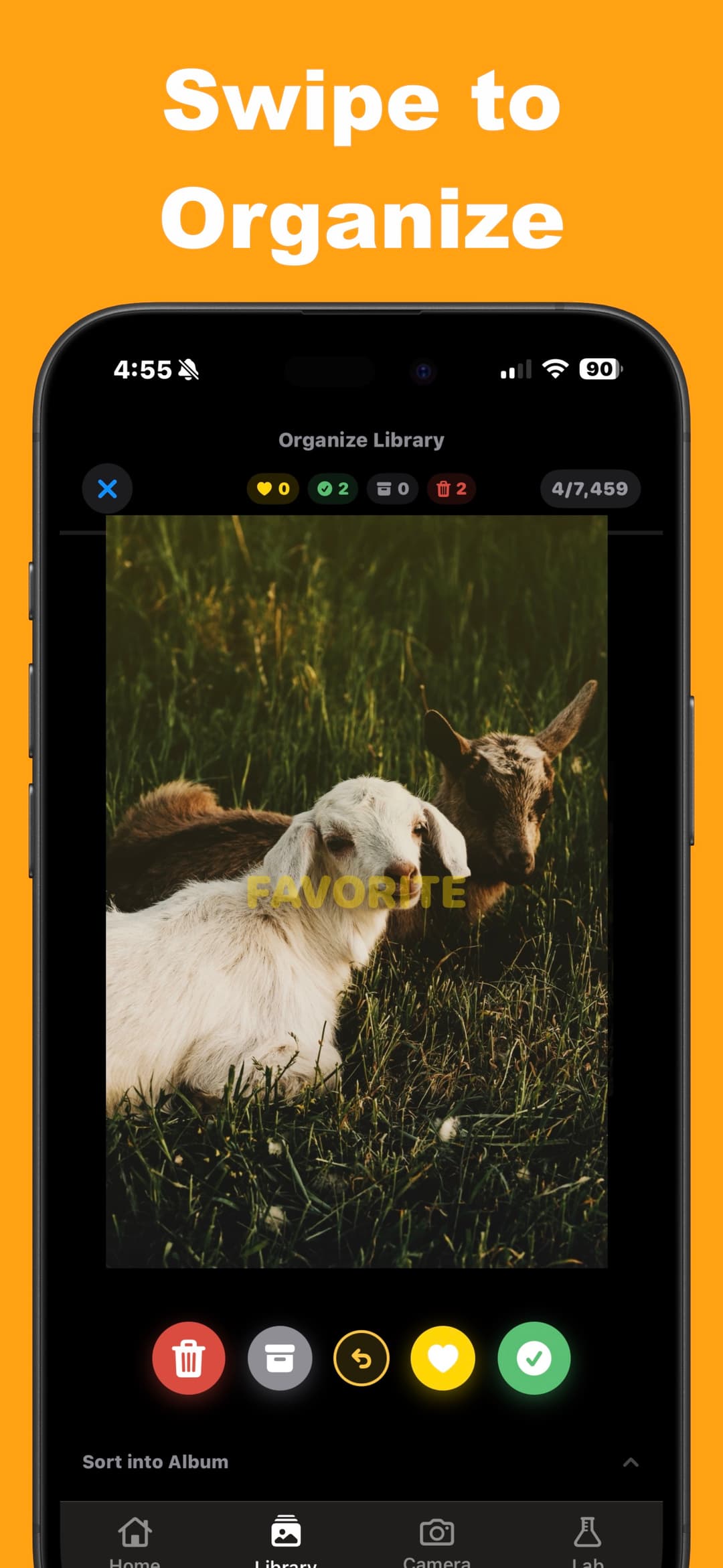
Swipe to Organize
Start with 10,000 random photos and swipe your way to a clean library. Sort everything into deleted, archived, normal, and favorites while tracking how much storage you win back.
- Take Back ControlReview your entire photo library like a stack of prints
- Save Real SpaceTrack reclaimed storage live as photos move to deleted or archived
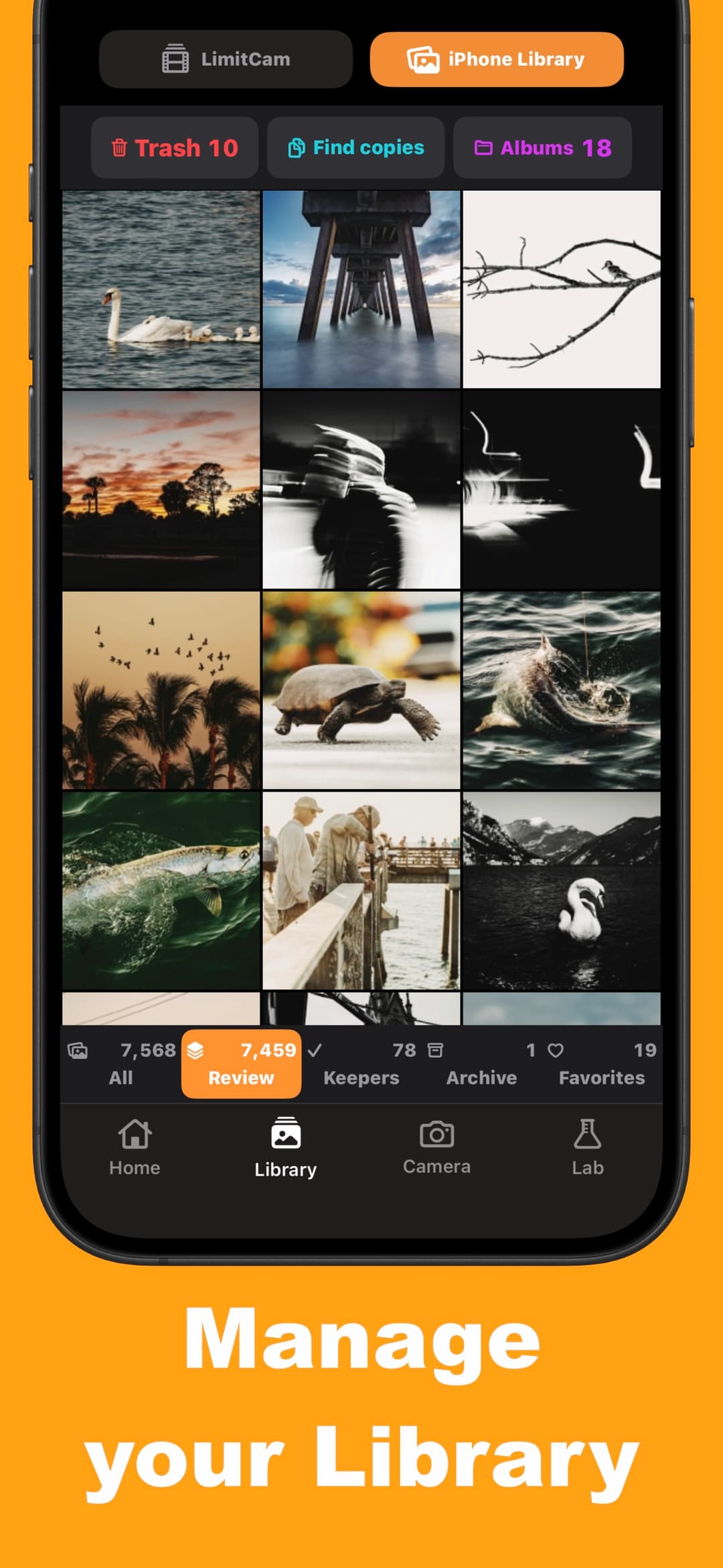
Import and Sync
Bring in photos from Photos, Files, SD cards, and USB drives. After sorting, sync your LimitCam albums back to Photos so your curated picks stay organized everywhere.
- Flexible ImportPhotos app, Files, SD cards, and USB drives
- Album SyncSend curated LimitCam albums back to Photos
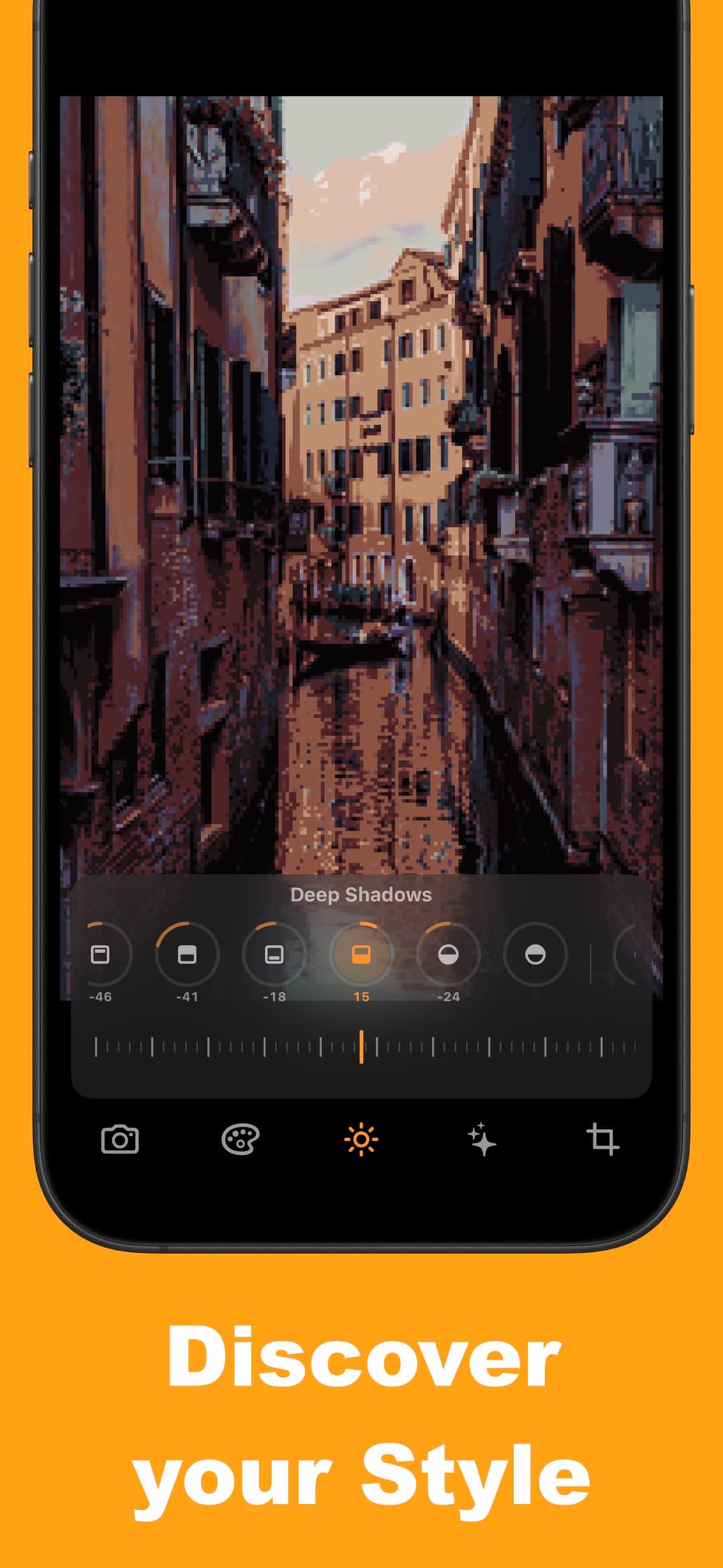
Darkroom Editing
Dial in your final look with the new exposure dial and 4-zone tonal adjustments. Save in place without losing your edit trail, with full recipe history for every image.
- Save In PlaceApply darkroom edits directly with recipe history
- Full Editing SuiteEmulate different styles with exposure and tonal controls, lens effects, chromatic aberration, and NoresCam pixel art.
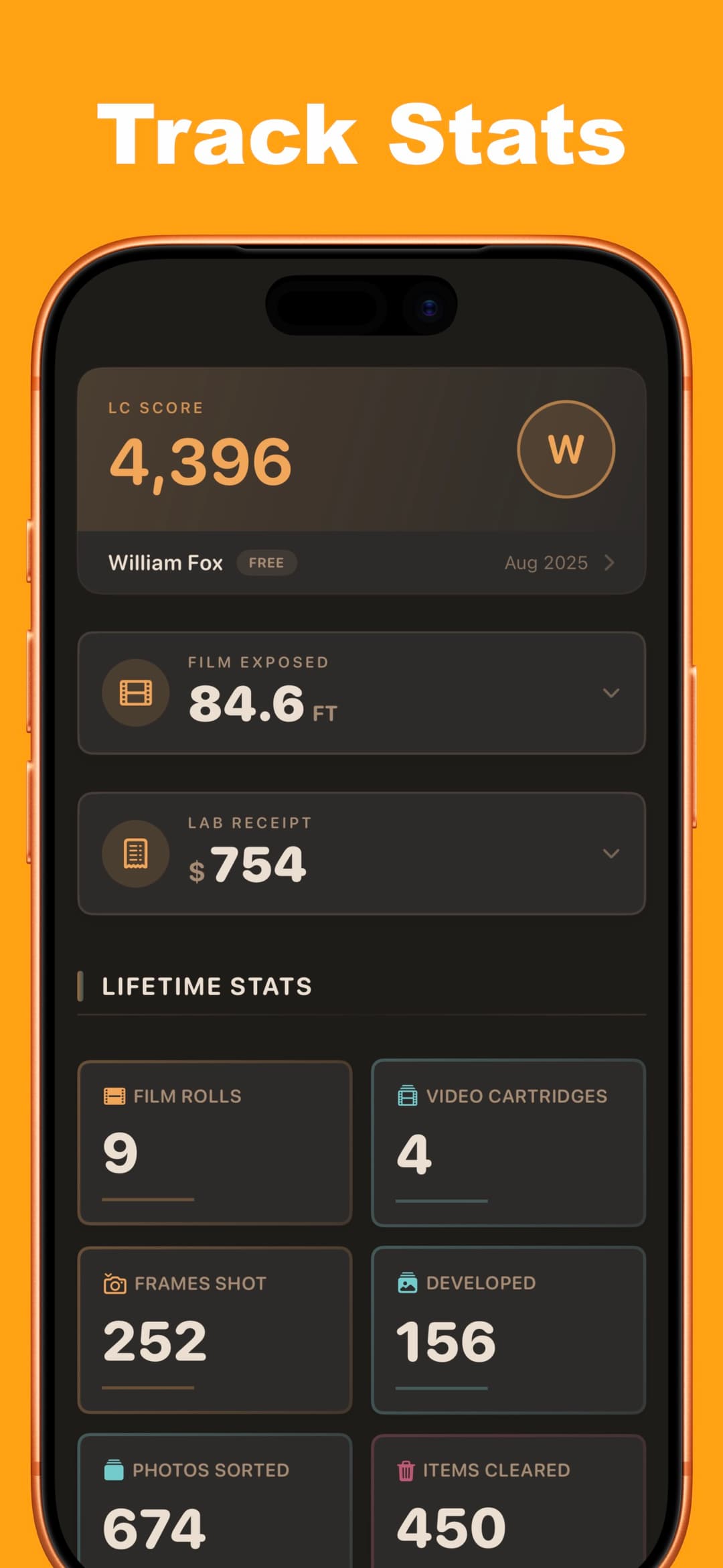
Track Your Progress
See your cleanup stats in real time as you review photos. Track how many shots you have deleted, archived, kept as normal, or marked as favorites, plus how much storage space you have reclaimed.
- Live Library StatsMonitor totals for deleted, archived, normal, and favorites
- Storage ReclaimedTrack exactly how much space you free while organizing
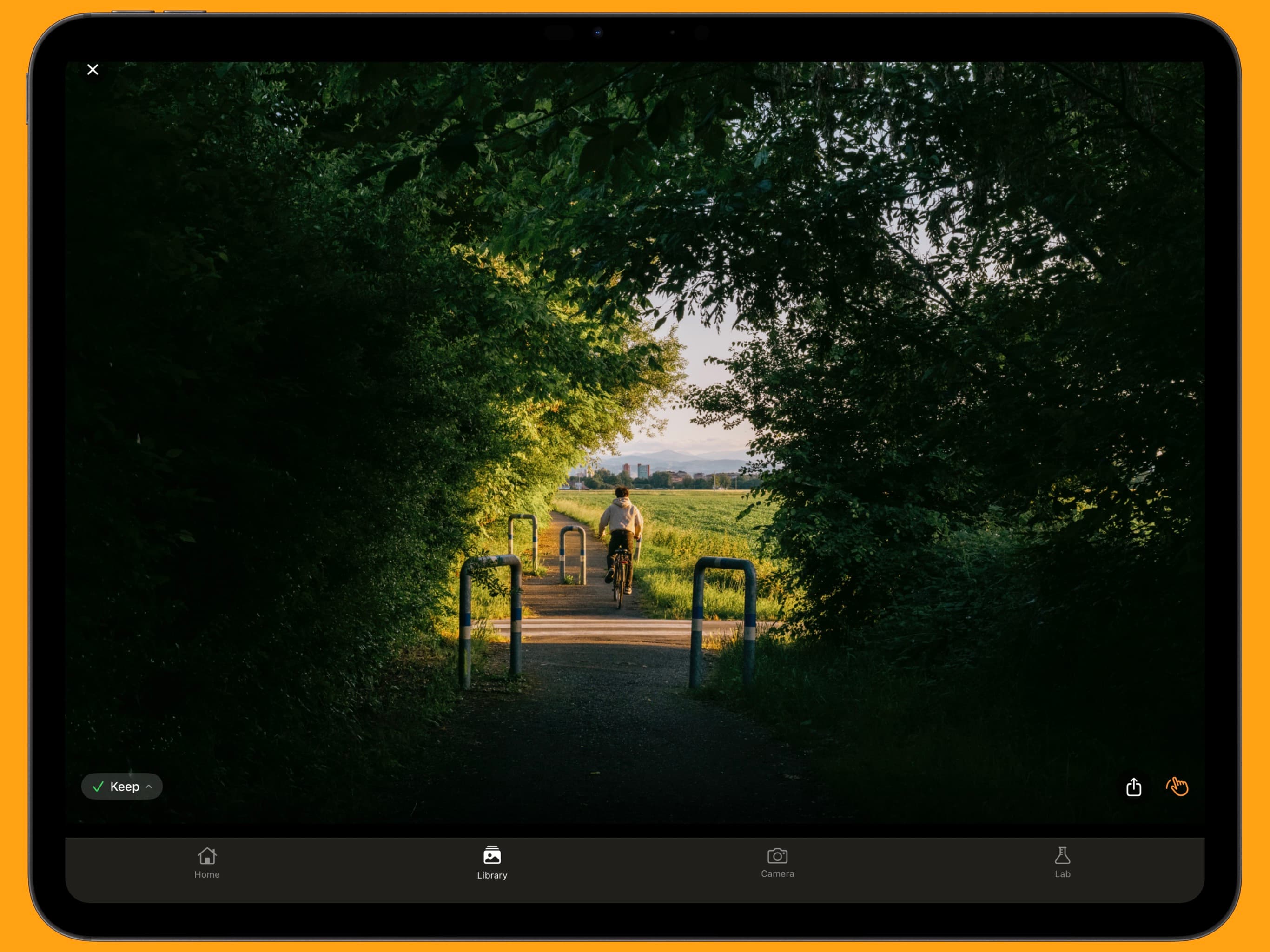
Built for Every Screen
LimitCam now includes full iPad support with adaptive layouts and a fullscreen viewer with pinch-to-zoom, plus faster launch times and major stability improvements.
- Adaptive iPad UILayouts optimized for larger screens and multitasking
- Fullscreen ZoomPinch-to-zoom viewing with smoother performance
Frame 04 — The process
Shoot. Wait. Review.
How it works
You create a roll with a film stock or camera preset and a frame count. You shoot until the roll is full or you finish early. Then you send the roll to develop. A timer runs; when it's done you can open the batch and review your photos. You keep or discard each one. Imported photos go through the same flow: pick a preset, wait for development, then review.
The timer and limited frames are there so you don't get instant feedback. You commit to a shot and see the result later.
Technical
LUT-based color grading for film stocks and camera presets. Processing pipeline: LUT, grain, vignette, light leaks, optional effects. Darkroom edits are non-destructive. SwiftUI camera with frame counter and viewfinder that reflects the selected preset. Library filters by roll, batch, rating (kept, selects, rejects).
Frame 05 — Contact sheet
Straight off the roll.
Frame 06 — Load a roll
Try LimitCam
Download and start shooting.